Study smarter with Quantilo
Rich flashcards, AI assistance & generation, spaced repetition, in-depth analytics, and easy sharing. Online or offline and anywhere.
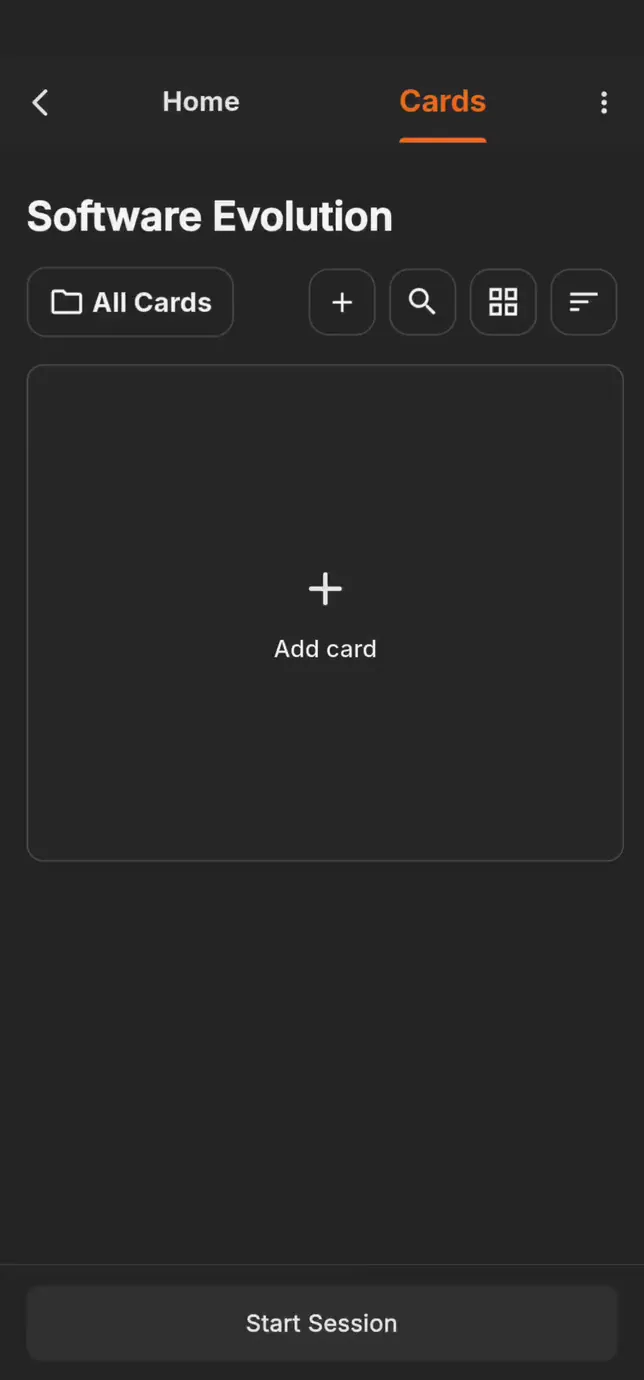
Upload your learning materials and let AI write the flashcards for you. Or create cards yourself, with colors, images, and formulas.
Three steps from material to knowledge
Most flashcard apps stop at memorizing definitions. Quantilo takes your material, plans when you see it, and then checks whether you actually understood it.
- CreateYour material becomes cards.
Upload a lecture script and let AI build the deck, or write every card yourself in the full editor.
- LearnRepetition at the right moment.
Quantilo turns your performance into a study plan and suggests sessions that fit into your week.
- ValidateProof that it stuck.
Quiz questions built from the concepts on your own cards show you what you really know.
Flashcard based learning perfected
Quantilo is a flashcard app that does not limit you to one card format. You choose how you want to create your cards and how you want to study them.
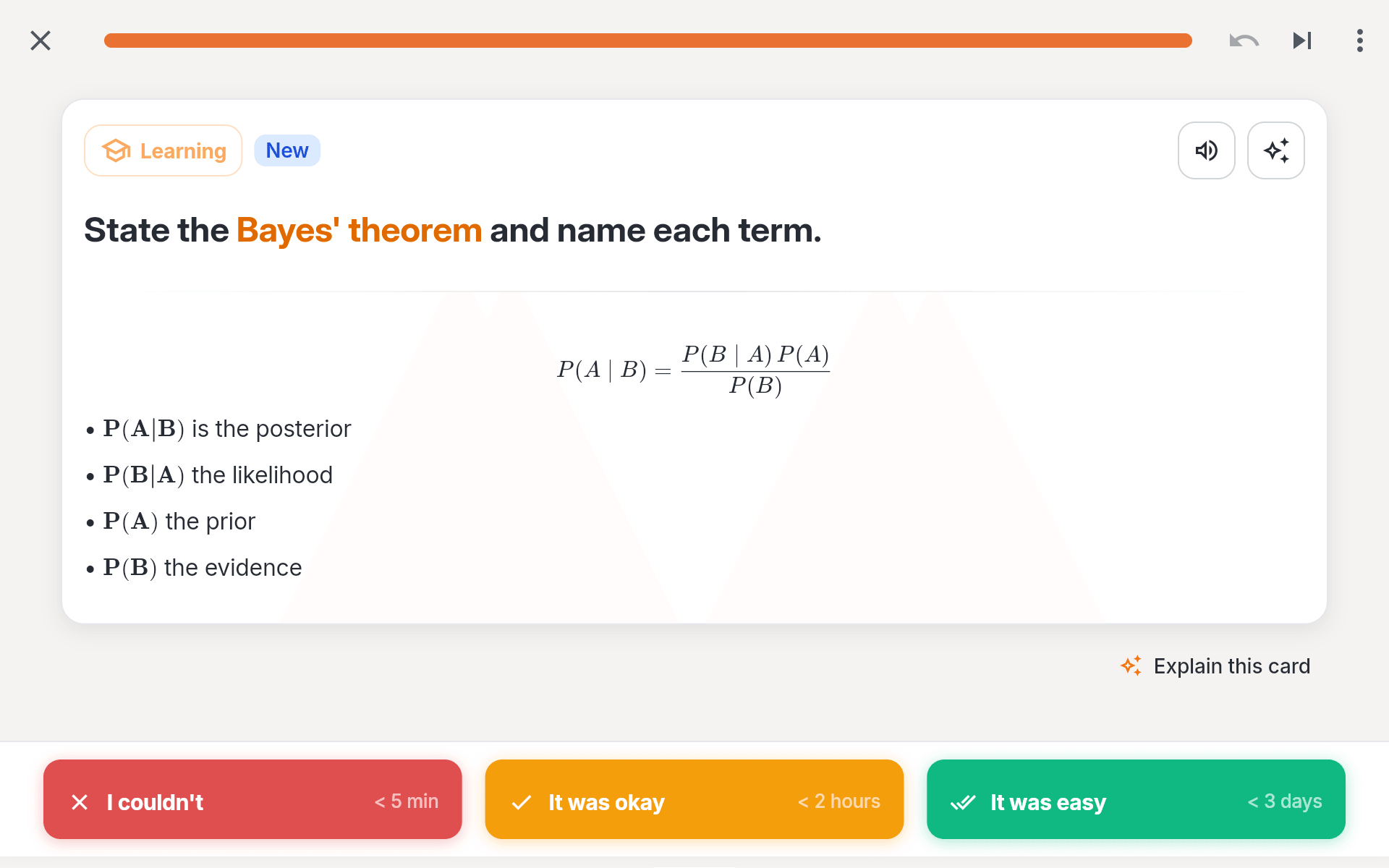
Write math in LaTeX
Write formulas in LaTeX so they look like they do in your lecture notes. Quantilo typesets them cleanly for you, so you can focus on learning instead of on formatting.
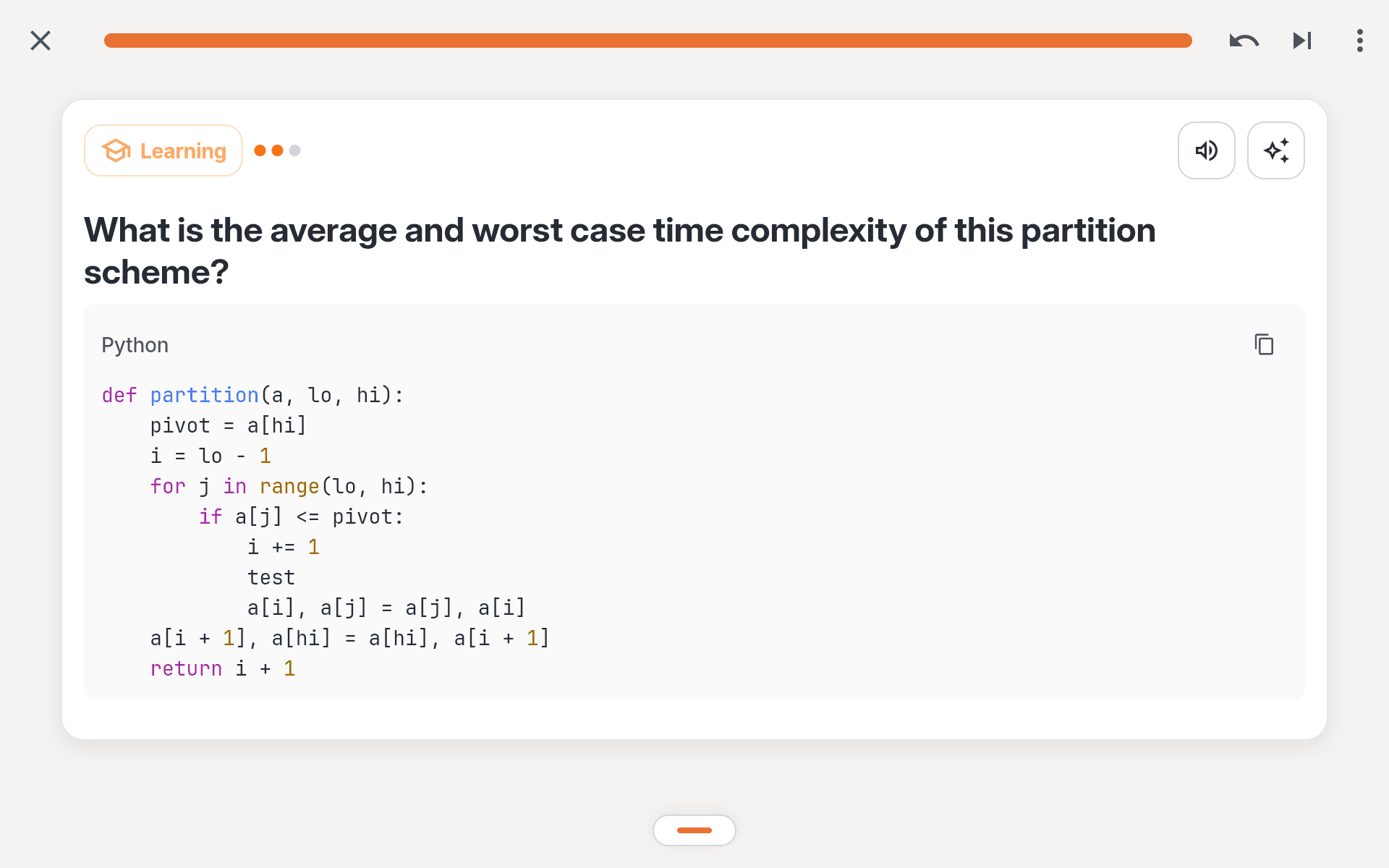
Syntax support for your coding language
Paste a code snippet and Quantilo highlights the syntax for you. More than 20 languages, from Python and Java to SQL and Rust.
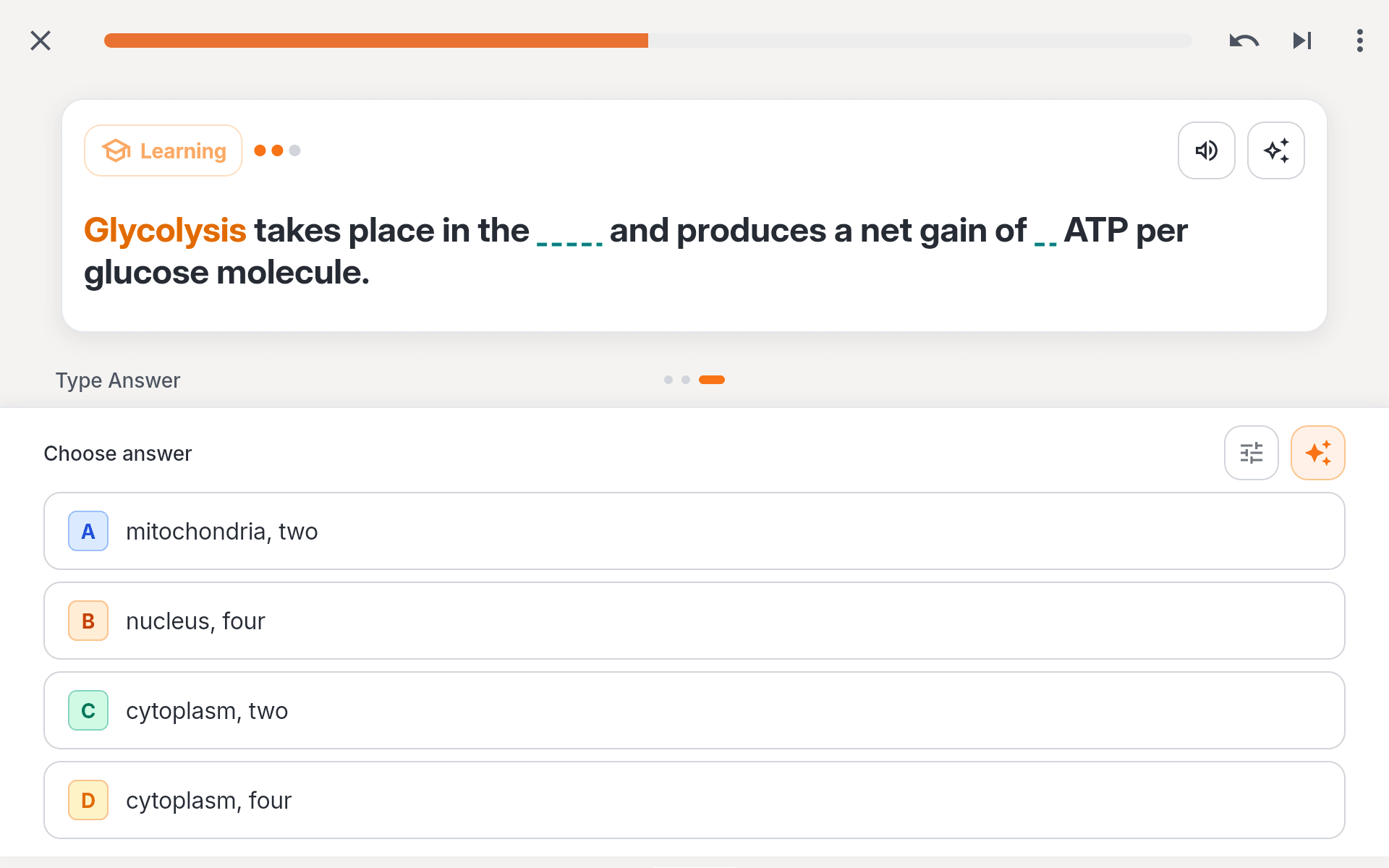
Blank the word, keep the sentence
Hide any part of a text and recall it in the context it belongs to.
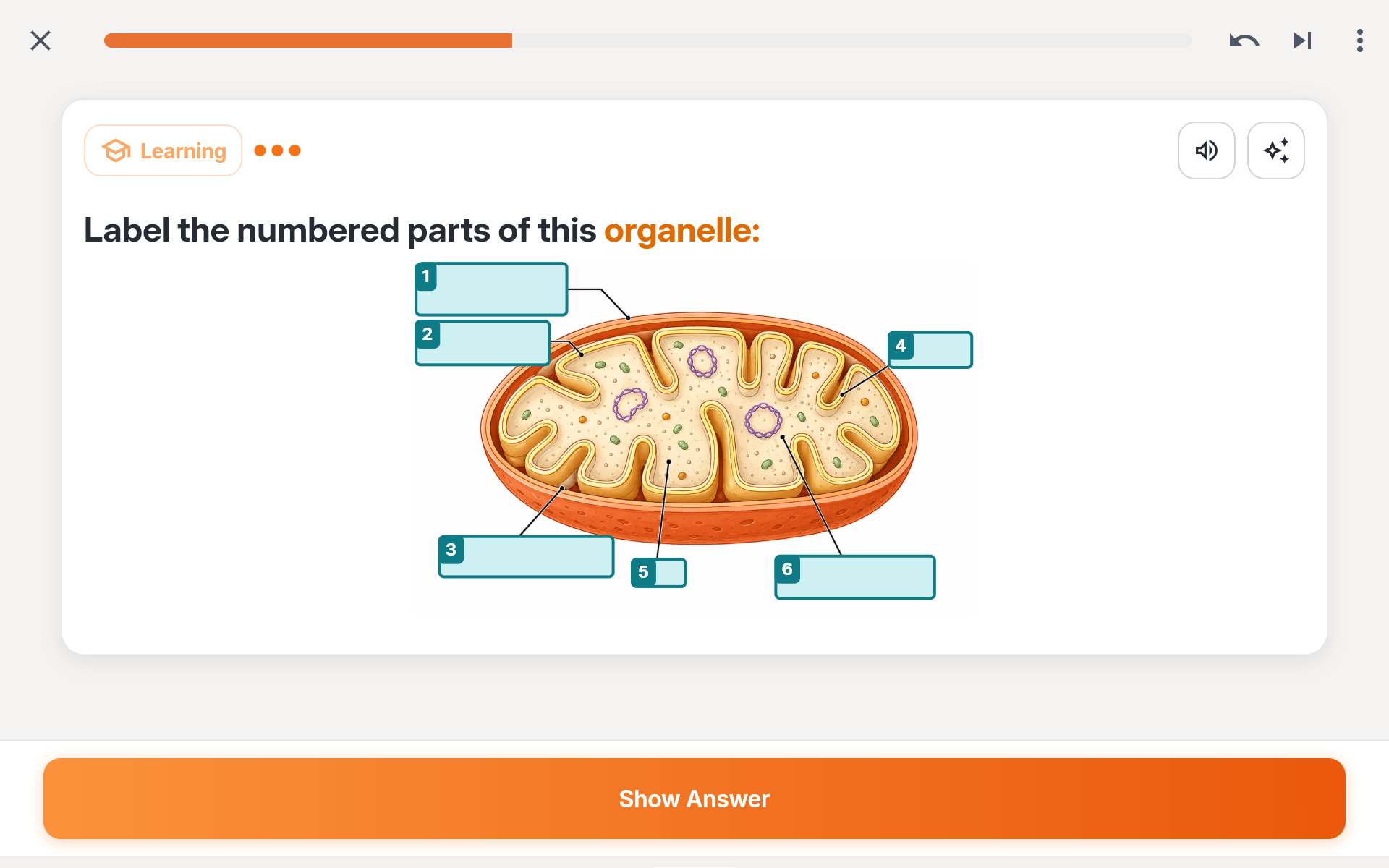
Hide the labels, keep the diagram
Cover parts of an image and recall what sits underneath. Ideal for anatomy, maps and diagrams from your lecture slides.
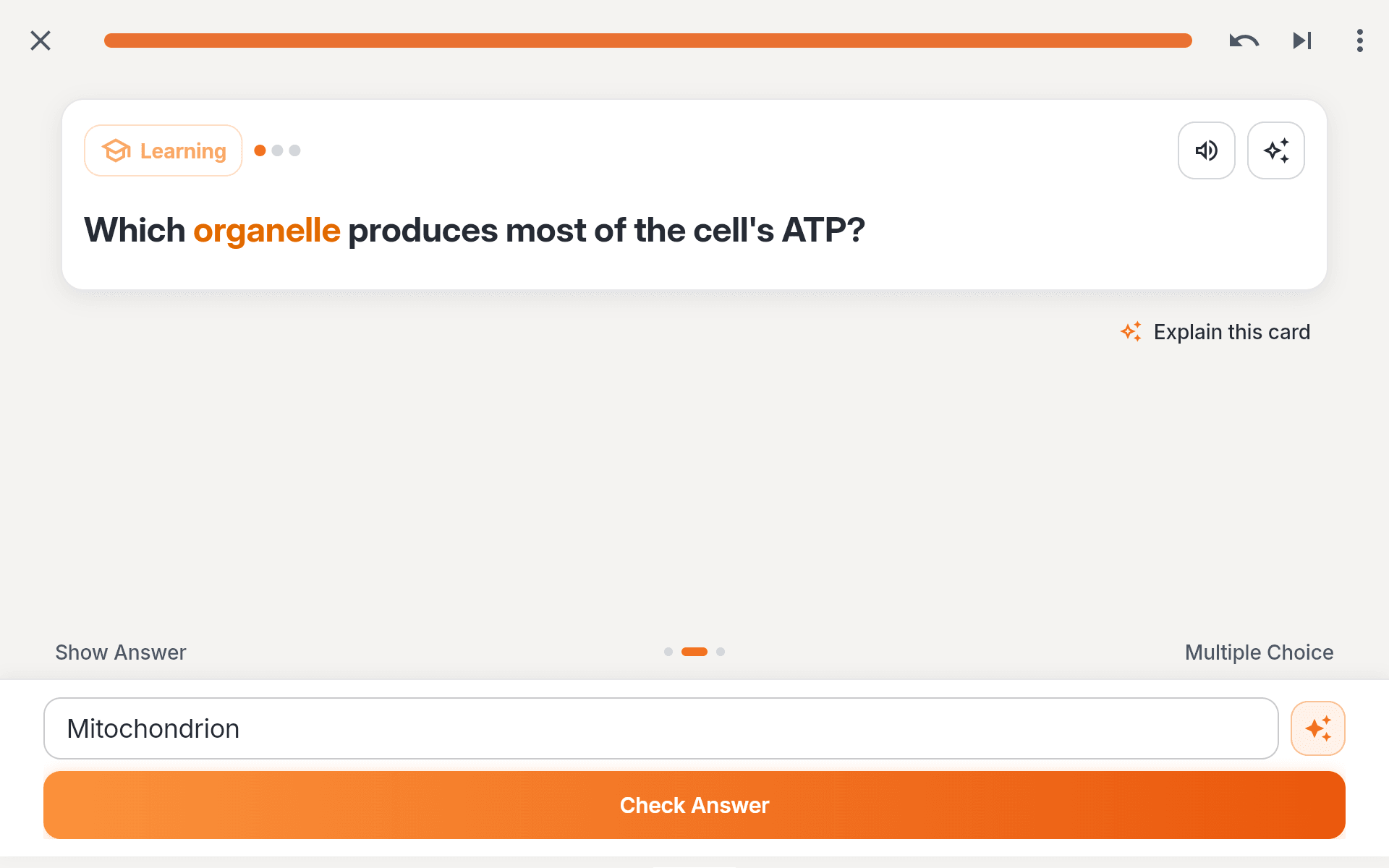
Write the answer in your own words
Write the answer in your own words. Quantilo checks your answer with AI and gives you feedback.
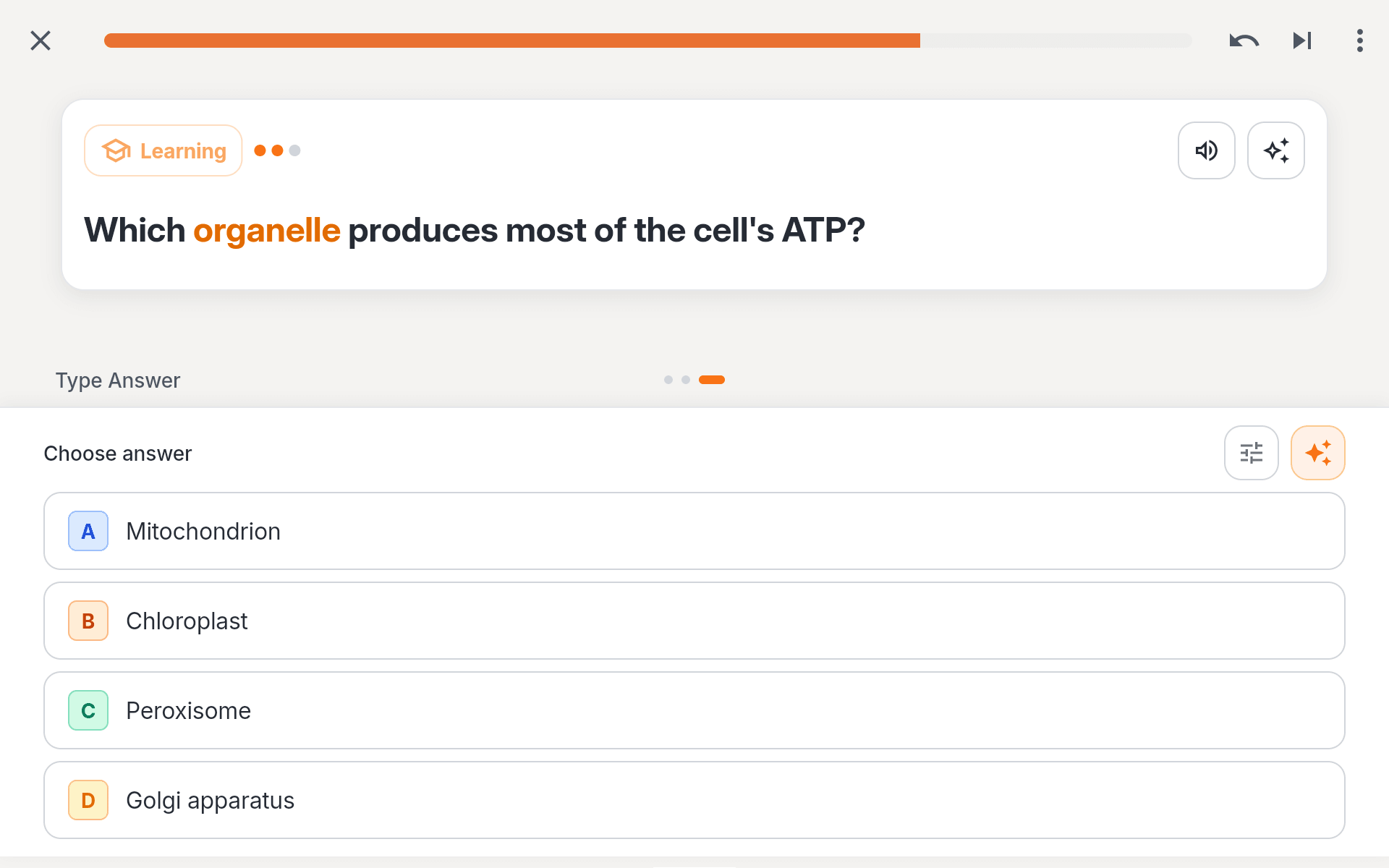
A quick check that you can tell the concepts apart
Quantilo generates answer options for you. A quick way to check if you really understand the concept or just the definition.
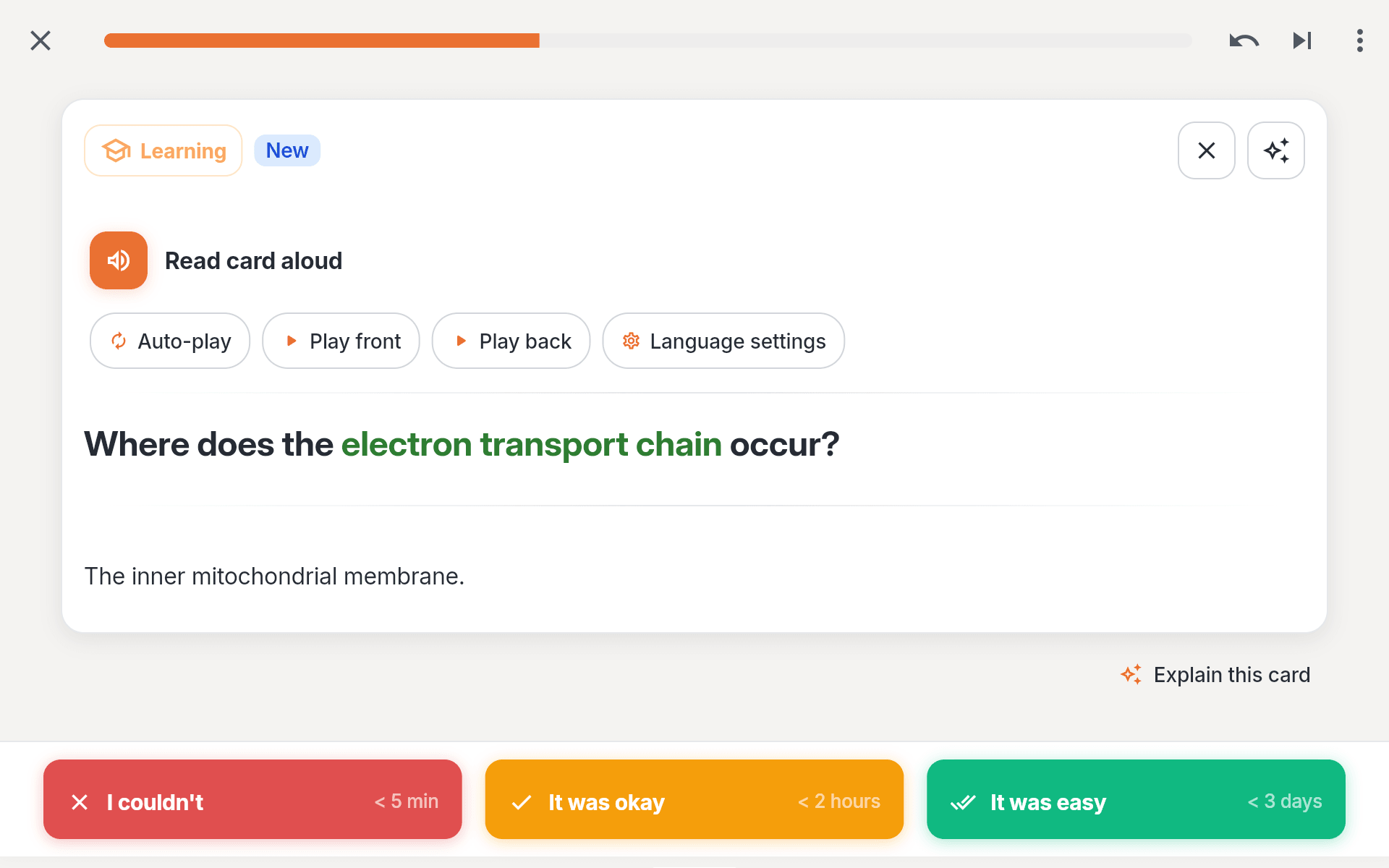
Have any card read out to you
Quantilo reads the card out loud for you. A great way to learn on the go, or to check your pronunciation.
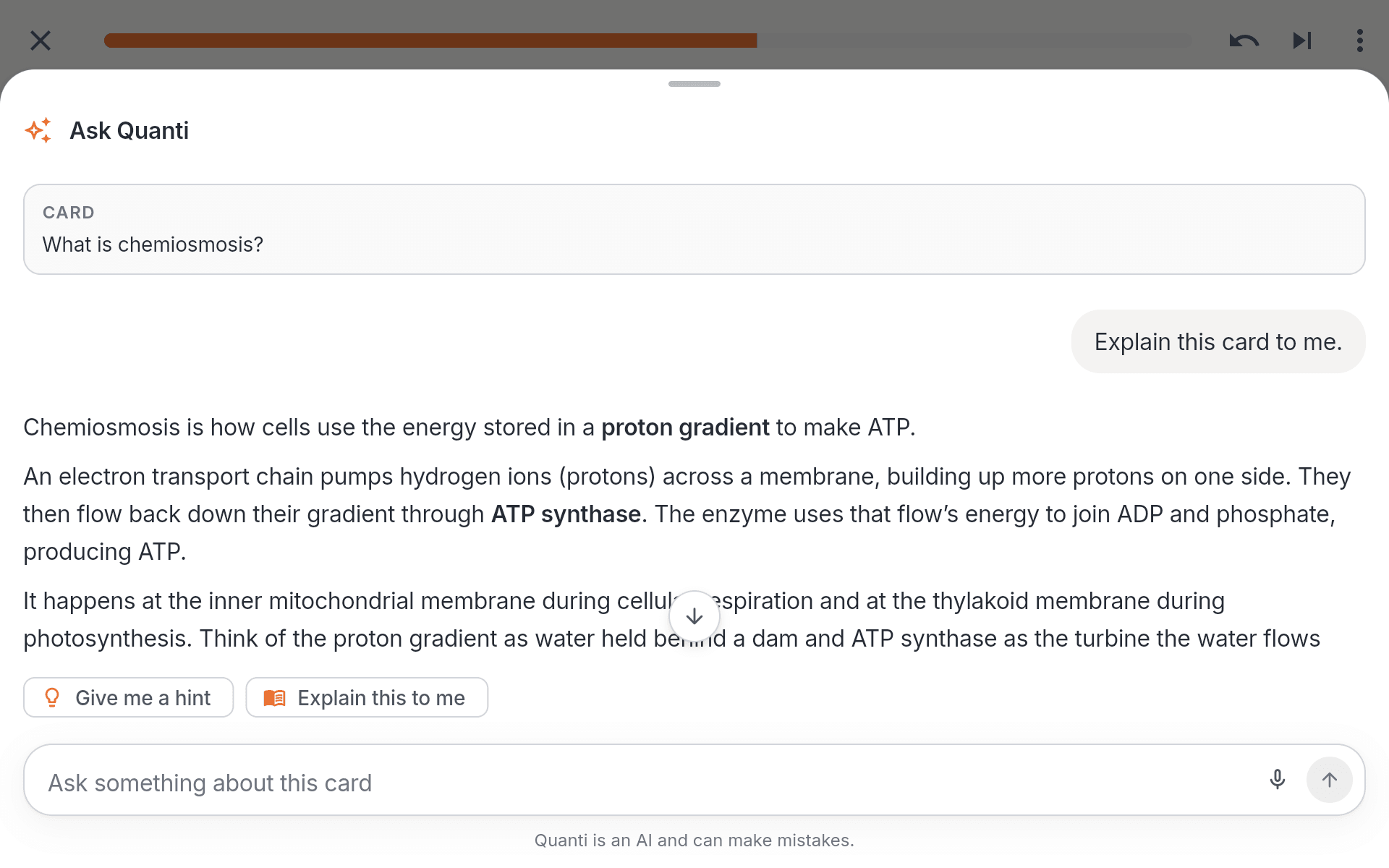
Keep understanding without losing your flow
Ask for an explanation or an example right there on the card. The AI assistant also helps you create cards and quiz questions.
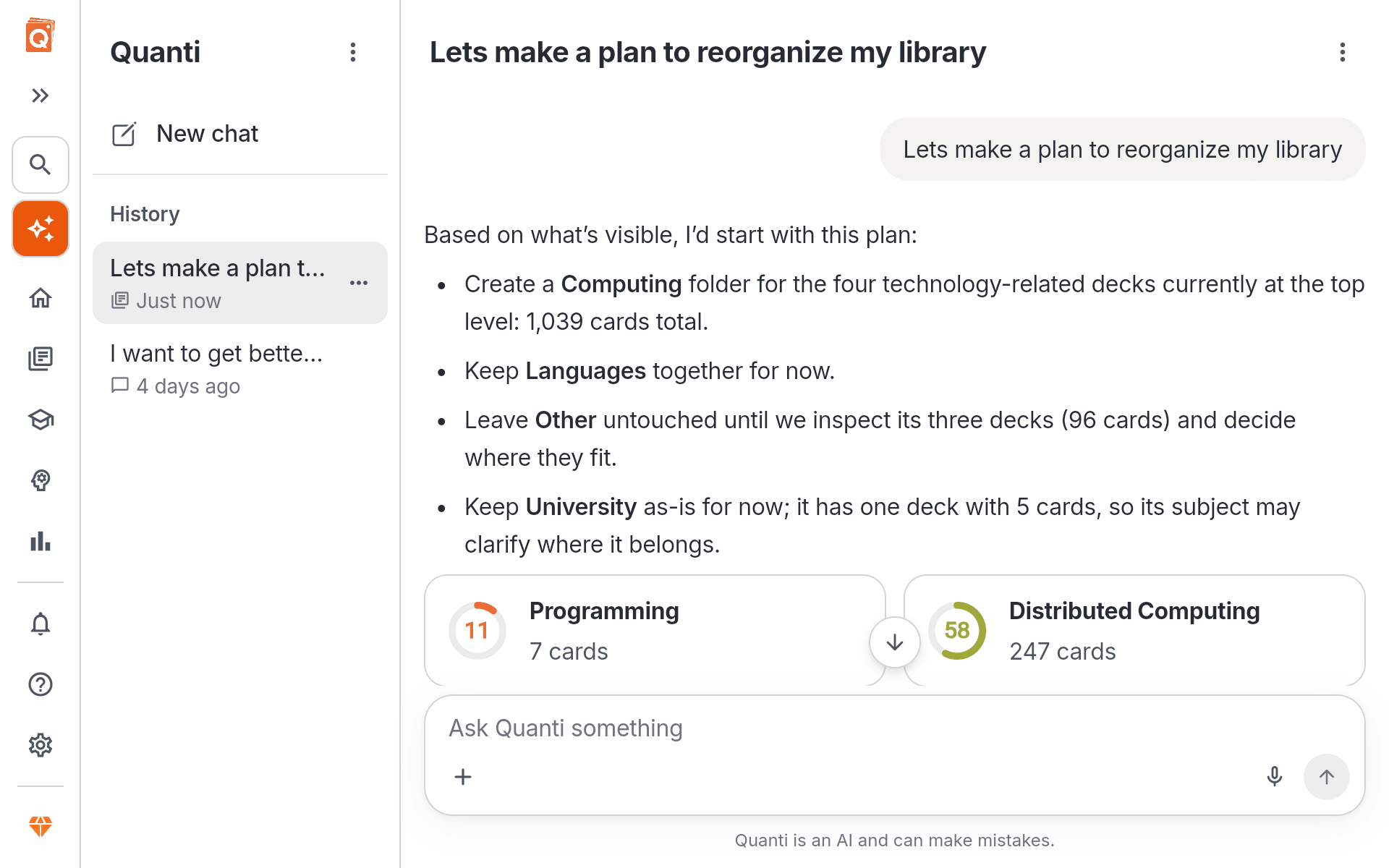
Get help when you need it, with AI assistance
Optional AI tools support you while creating and while studying. Get clear explanations, concrete examples, and matching cards or quiz questions.
- Explanations that make difficult topics tangible
- Examples that show how it all connects
- Cards and quiz questions as a quick first draft
Intelligent scheduling, lasting results
Our learning algorithm has been developed with the help of data scientists to create study sessions tailored to your pace, knowledge level, and goals.
Balanced, the default. The learning pace that suits most people. It is where every deck starts, and most never need anything else.
Relaxed. Tell Quantilo you want to take it easier and the gaps between reviews stretch out. Cards come back less often, and a wrong answer barely sets you back.
Intensive. Built for daily study. Cards come back more often and your sessions run longer. It is the fastest way to build knowledge up.
Or tune it yourself. Quantilo's scheduling can be adjusted further, so the pace fits exactly how you learn.
Set a daily goal. You decide how many cards you want to see each day.
Add an exam date. Tell Quantilo the date you need to know the material by. Cards you struggle with are pushed to the front, and the ones you already know stay out of your way.
Available anywhere. Your choice.
Start a session on your phone, continue on your laptop. Your progress follows you everywhere.
What is keeping you from studying?
Quantilo was built to solve the most common problems with studying. We collected the biggest obstacles and built answers to them, so you stay motivated and keep what you learn.
When studying eats a whole evening, I lose my motivation.
Quantilo schedules your reviews around your progress. Your sessions stay short, stay focused, and fit into the time you actually have.
My cards end up cluttered and lose their structure.
Quantilo gives you a block based editor that puts headings, lists, images, code, formulas, colors and more on a single card. Your material stays clear and keeps its structure.
I know the definition, but the concept behind it is not really clear to me.
One of the biggest criticisms of flashcard based learning is that it only tests memorization. Whether you actually understand the concepts often falls by the wayside.
So we built a learning system that uses quiz questions to check whether you have really understood the concepts behind your cards.
Before I can study, I have to spend too long preparing cards.
Quantilo helps you build your cards. Upload your learning material and our AI assistant turns it into a finished deck.
You can also write your cards yourself, because writing them is an important part of learning. That is what the full editor is for, so you can shape your cards exactly the way you want them.
I want to start on my laptop and carry on seamlessly on the go.
Quantilo syncs your progress across all your devices for free. Switch between laptop, tablet and phone whenever you like and pick up exactly where you left off.
I want to be sure that my learning material is safe.
We know how much time and work goes into building flashcard decks. Quantilo stores your data securely on our servers. Like every other cloud provider, though, we cannot promise to store your data forever.
That is why you can export your data at any time, free of charge. You keep a local copy of your material and stay in full control.
Frequently Asked Questions
Is Quantilo free?
Yes, Quantilo is free to use.
To fund further updates and the infrastructure, there is an optional subscription that adds extra features, for example more AI assistance. We deliberately run no ads, because ads disturb and distract you while you study. So we are dependent on community support to keep developing and running Quantilo.
What makes Quantilo different from Quizlet?
In Quantilo, spaced repetition is the foundation, not an extra mode. Cards carry images, formulas, code and cloze deletions. There are no ads. And your progress stays visible instead of disappearing into a single percentage.
Convince yourself by importing your Quizlet decks directly into Quantilo.
What makes Quantilo different from Anki?
Anki can do a lot, but getting there takes time. Templates, add-ons, and settings require quite a bit of setup, and the interface clearly feels like it comes from another era.
With Quantilo, you can get started right away. You get a modern editor for images, formulas, and cloze deletions, the same interface across laptop, tablet, and smartphone, and syncing is included everywhere with no additional purchase required.
At the same time, Quantilo remains powerful, with extensive settings that let you tailor the spaced-repetition algorithm to your needs. On top of that, Quantilo offers graded quizzes to check whether your knowledge really sticks, an AI assistant that helps you create and understand content, and smart study sessions that organize your learning.
See for yourself by importing your Anki decks directly into Quantilo.
How does Quantilo improve on traditional flashcards?
Traditional flashcards have two weaknesses. 1) you decide for yourself when to review what, and 2)you only ever check whether you can recall the answer by heart.
Quantilo fixes both. When a card comes back follows from your progress and quiz questions also check whether you have understood the concept behind the card.
What study modes does Quantilo have?
At Quantilo, we place great importance on allowing you to decide how you want to learn. You determine for each card how it will be asked. Classic reveal and self-assessment, multiple choice with generated options, cloze deletion mid-sentence, or type the answer yourself and have the AI check it.
Across an entire deck, there are also quizzes, i.e., graded tests. These give you a grade that shows how well you are prepared for your next exam.
Can I bring decks I already have?
Yes. You can import flashcards from many sources, among them Quizlet, Anki and Notion. You can also photograph handwritten notes and have our AI generation turn them into digital flashcards.
So you do not have to start over to make Quantilo your learning platform.
Can I study without an internet connection?
Yes. Quantilo has its own apps for iOS and Android devices. Decks you have already downloaded are stored on your device automatically, so you can open them at any time without a connection.
You can even work through complete study sessions and edit your cards. Everything syncs as soon as you are back online.
Do people I share a deck with need an account?
No. You can share your decks with a single link. Whoever gets that link can study with it without needing a Quantilo account.
Can I keep my cards if I stop using Quantilo?
Yes! You can export your cards at any time, to keep them locally or to import them into another app.
We want to make trying Quantilo as easy as possible, without tying you to the platform. You should stay for the quality, not because of restrictions elsewhere.